Virtual CB Radio: What the CeeBee Experience Actually Offers
Channels, station identities and conversations over the internet: a guide to what virtual radio means here.
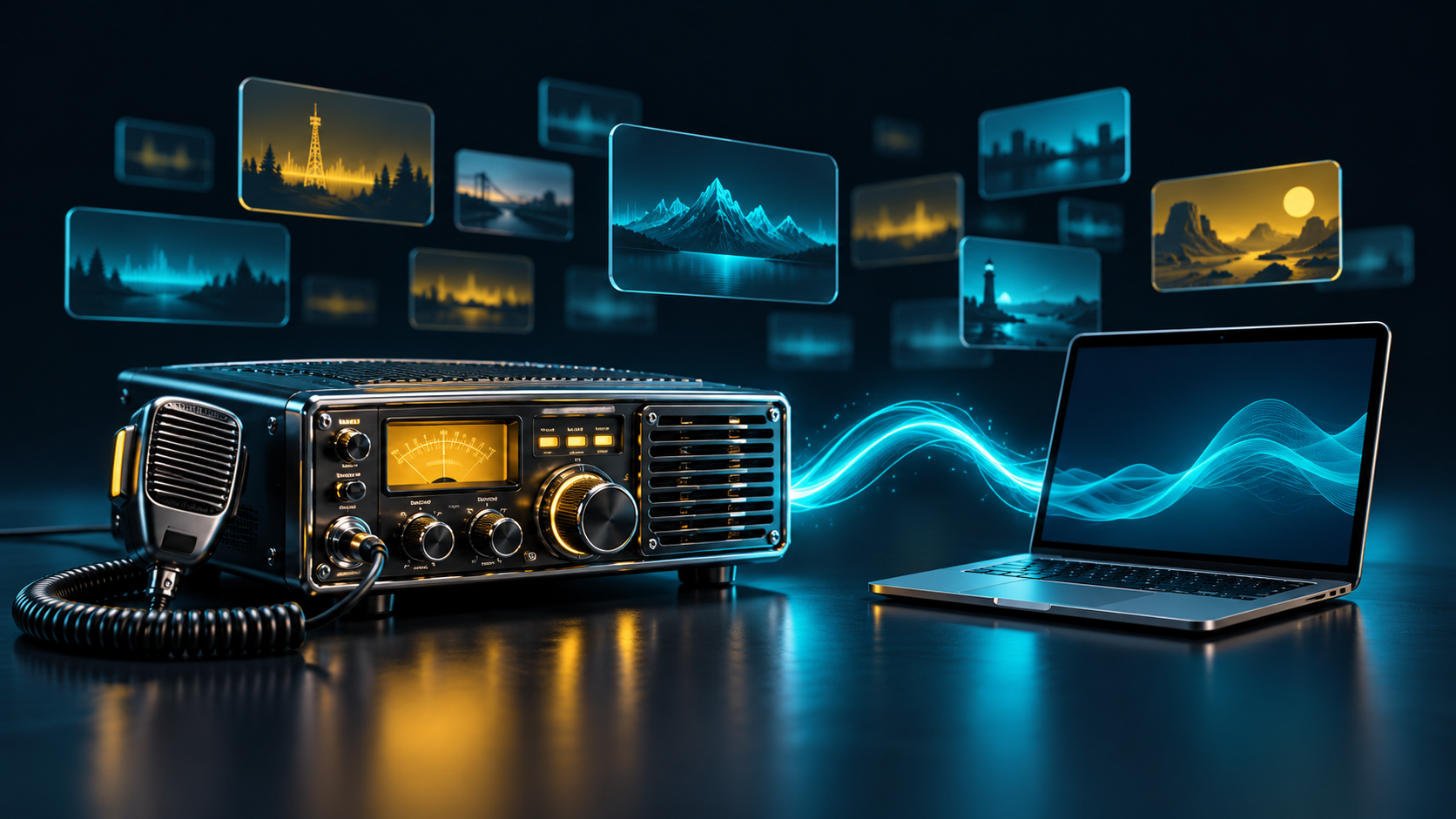
CeeBee takes the conversational rhythm of CB radio and brings it to an internet application. Instead of tuning an RF receiver, you select a numbered channel in the radio interface. Instead of keying a physical transmitter, you request a speaking turn using push-to-talk.
The result is a shared listening space with recognisable radio habits. Stations take turns, channel selection helps organise conversations, and the interface makes receiving, transmitting and connection state visible. The browser application can be explored as a listener before transmitting.
CeeBee's numbered channels are application channels. They do not establish a physical transmission frequency, an RF coverage area or the legal conditions for using a real radio. A web conversation depends on an internet connection and the service, rather than an antenna path between participants.
Physical radio integration is a separate project with separate configuration and responsibilities. The CeeBee hardware bridge is designed for that role; simply opening the website does not activate a hardware transmitter.
For a first visit, open the international radio at ceebee-box.com, switch the radio on and listen. Let an existing conversation finish before introducing yourself. Keeping transmissions clear and giving others room to respond makes the experience more useful than treating the channel like an always-open group call.