Push-to-Talk in CeeBee: From Button Press to Speaking Turn
How CeeBee coordinates speaking turns and why releasing PTT matters.
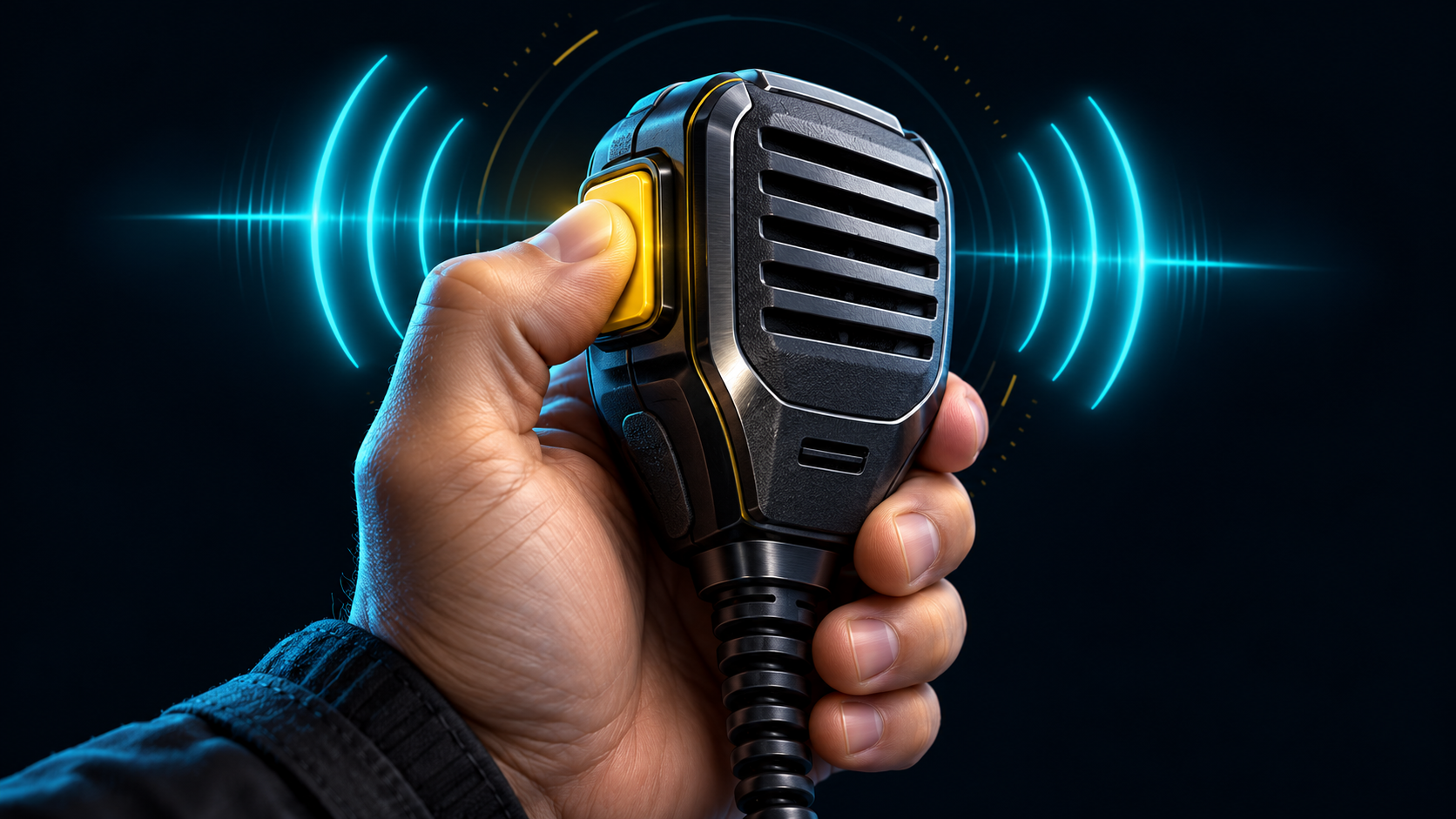
Push-to-talk is central to the CeeBee radio experience. Pressing the transmit control asks for permission to speak on the selected channel; releasing it ends the turn. The application supports hold-to-talk and toggle-style operation, so check the selected mode before beginning a conversation.
The speaking turn is coordinated by the server. A button press alone is not permission to publish microphone audio. Channel state and account permissions determine whether a station can transmit. That distinction matters when a channel is busy or a user is restricted to listening.
The project also includes a speaking queue. Where the interface offers the queue control, it gives participants another way to organise turns instead of repeatedly trying to transmit over one another. Moderation and channel restrictions continue to apply.
Channel changes end the current PTT turn. After a switch, listen to the new channel and begin a fresh turn when appropriate. A reconnect or a change in connection state should not be treated as an invitation to leave the microphone active.
For everyday use, keep the microphone at a comfortable distance, speak naturally and release the control when you finish. Allow a short pause for another station to answer. If transmission is refused, check the displayed status rather than assuming that pressing the button harder or repeatedly will help.