Classic Radio Character Across the CeeBee Interfaces
The project combines radio-inspired controls, compact layouts and a shared visual identity.
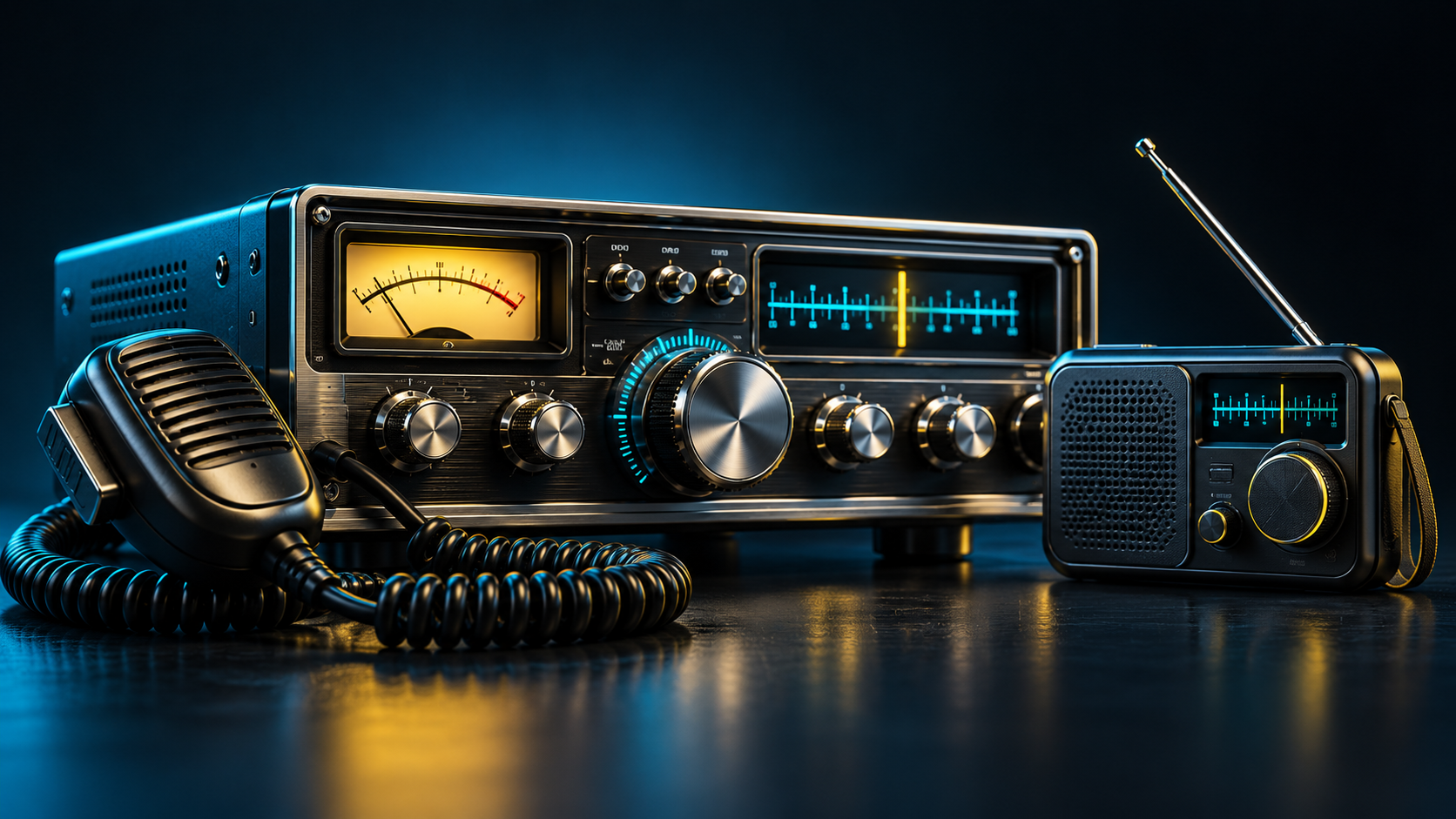
A radio interface needs to feel familiar without making its controls difficult to understand. CeeBee's web work explores that balance through radio-inspired displays, prominent channel information and accessible controls for listening and speaking.
The web project includes classic radio presentations, scanner-inspired views and portable-style interfaces. These are different ways of presenting the internet radio experience. A visual radio model should not be read as a claim that the software reproduces every electrical or RF characteristic of the original equipment.
The shared brand is now also carried into CeeBee.live: the antenna logo, CeeBee lettering, dark blue surfaces, cyan accents and yellow highlights. Condensed lettering gives headings and equipment labels a stronger connection to radio panels, while longer articles retain a readable body font.
The native Android application has its own radio-focused interface, with connection indicators, channel information and settings organised around use on a phone. The project documentation records work on landscape layouts, guided introductions, direct controls and a channel station counter.
Different devices and layouts still need practical testing. A control that looks right on a desktop may need different spacing or placement on a phone. The aim is to preserve the pleasure of radio operation while making the real state of an internet connection understandable.